
WES Administration - WES

WES Administration
Provides installation and administration of WES software. This administrative interface provides system administrators with the ability to configure WES to meet an organizations unique needs and requirements. Everything from user, group, role access to auditing and logging is included.
WES Configuration
Providing High Level Administration
WES Configuration provides a centralized, secure administrative interface for managing users, groups, data providers, dashboards, and system resources.
It enables administrators to configure advanced access controls, assign roles and permissions, and manage user privileges to ensure authorized access to information and services.
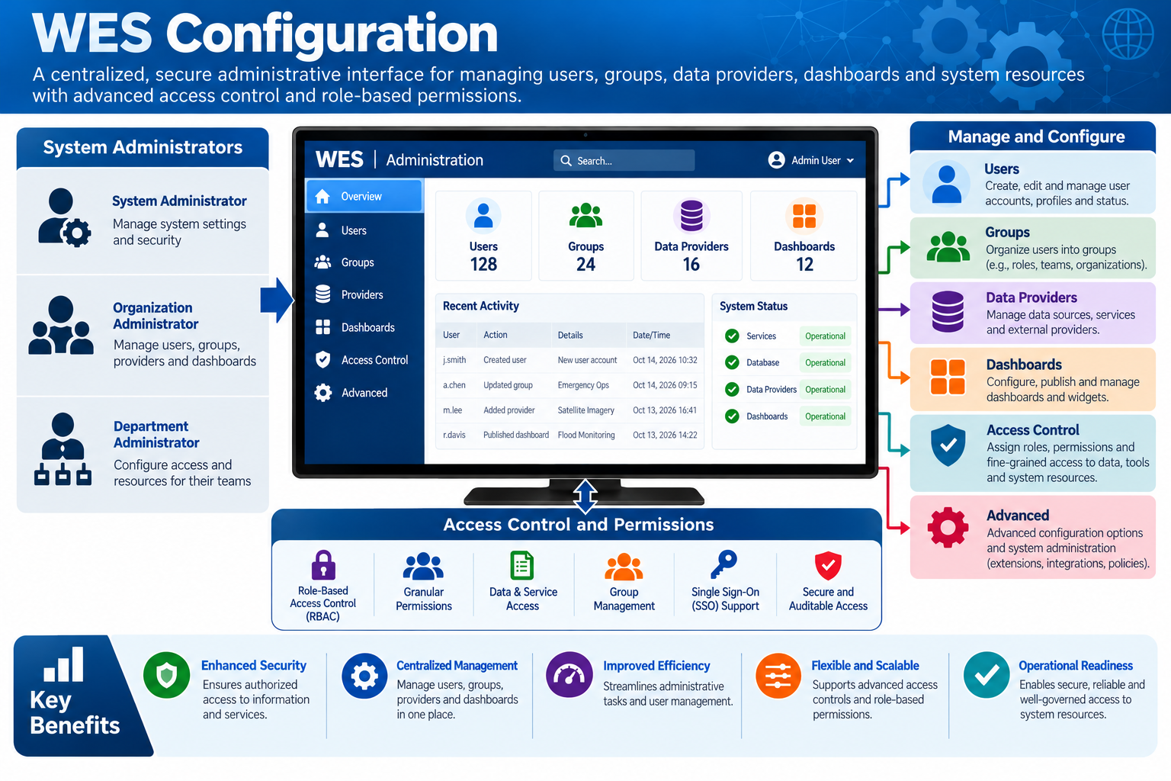
The WES Admin client is accessed and utilized by system administrators to centrally manage the WES application. It provides all the tools required to configure and maintain items such as user, group, roles and system data.
System configuration including defining/linking data models, setting up server parameters, and configuring databases.
As part of the system administration, an automated installer/upgrade package with an easy-to-use interface is provided for installing the system either in a Linux or windows environment.
Detailed auditing and auditing reports are provided to ensure usability of the system is tracked from every aspect.
A Service Health Administration component is provided to monitor all systems connected to the system.
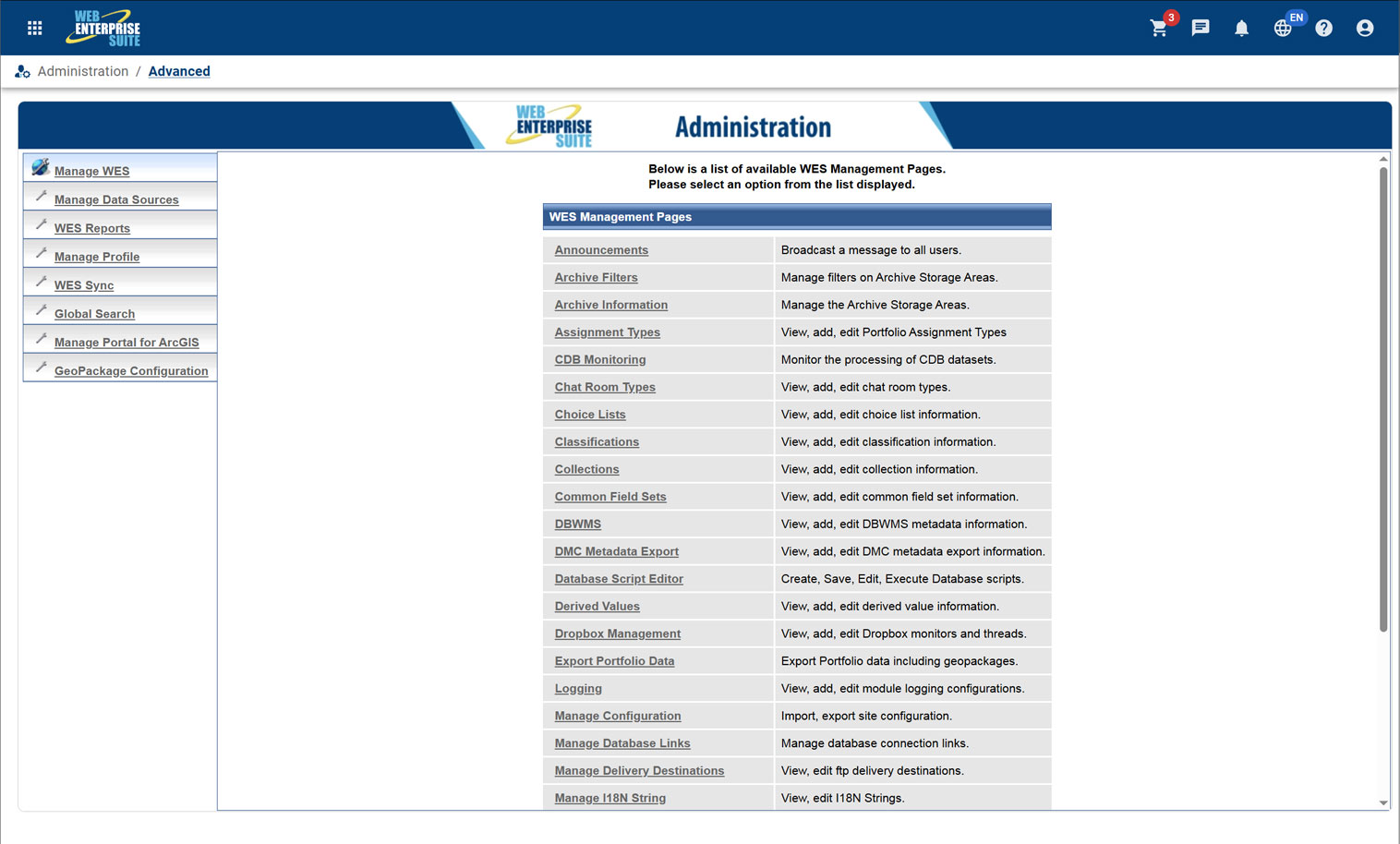
WES Components
The tools and applications have been organized into the following components that are provided to organizations utilizing the capabilities:
WES Operations Centre
WES Geospatial
Enterprise data warehouse for storing, managing, and delivering geospatial, imagery, and business data at scale.
WES Analytics
WES AI
WES Administration
WES Operations Center
WES Geospatial
WES Analytics
WES AI
WES Administration
Request a Live Demo
Access our demo site to use a sandbox version of WES.


